
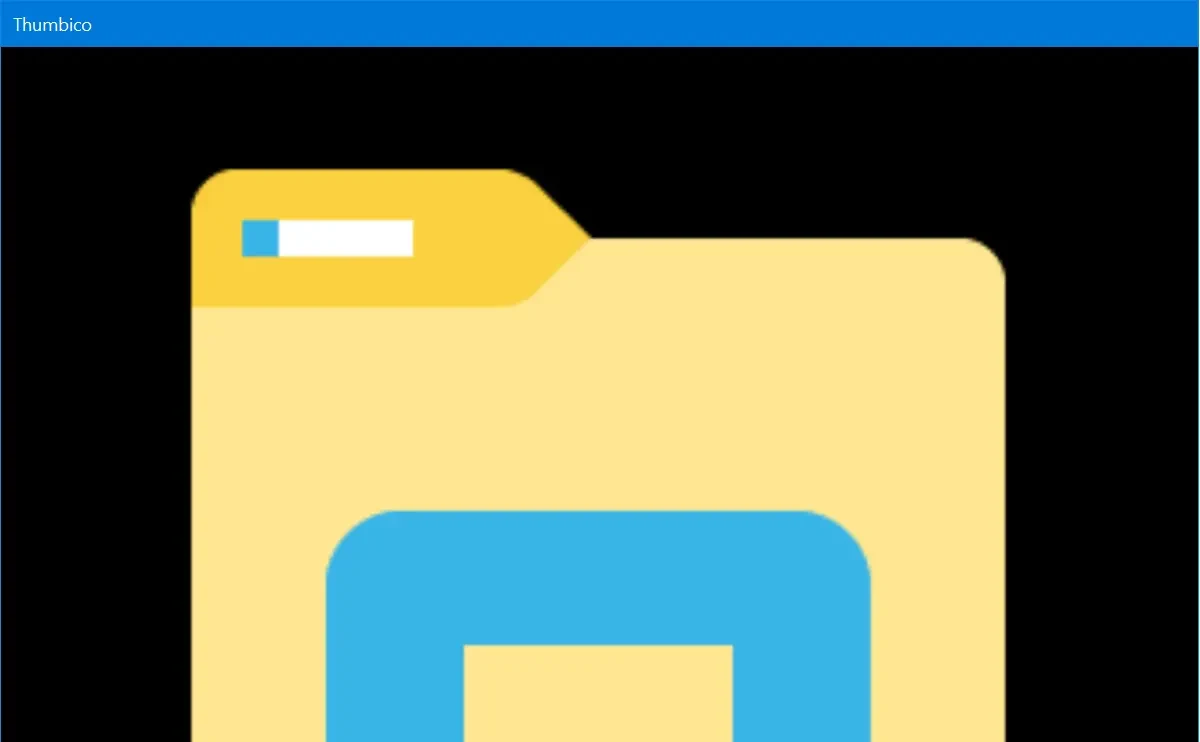


For Any File
Simply drag and drop any file, image, document, video, or program onto Thumbico. Folders and drives work too.

Icons and Thumbnails
Get icons for any file or program. And get thumbnails (reduced-size versions) for any picture, photo, video, or document.

Large Expanded Icons
Free as in size liberated. Windows shows you small, standard-size icons. Thumbico lets you view icons at any size.

Easy Image Sizing
Get a bigger or smaller icon or thumbnail with the familiar Ctrl++ and Ctrl+- zoom shortcuts, or just type the size you want.

Saving or Copying
Easily export and save the image you see to a PNG, ICO, JPEG, BMP, or GIF file, or copy it to the Windows Clipboard.

For Presentations
Try Showcase mode for a clean, uncluttered view of file icons and thumbnails. For screenshots, screencasts, or presentations.

At Home on Windows
Light or dark, just like your Windows. The keyboard shortcuts you already know. And a window that opens where you left it.

For Software Developers
Test how program or file icons look at different sizes, and see their transparency clearly on a checkerboard background.

Free and Open Source
Thumbico is free, with no account, no ads, and no tracking. And now it is open source too, with all its code on GitHub.
What Others Are Saying
-

Thumbico is a combination of an icon extraction and viewing tool, with a thumbnail viewer and creator. The program is tiny, a 28KB download, and unsurprisingly there's no installation required.
In the news
-

The simplicity of the application is its greatest strength, in my opinion. To load an image, just drag and drop it onto the main interface of the application.
-

Final Verdict: Thumbico is a nice and simple software. All the features are, collectively, very helpful and make thumbnails and icons look much more attractive and clear.